
How to Calculate ASX Capital Gains Tax for NabTrade customers
Calculating your Capital Gains Tax (CGT) can be a daunting task, especially with multiple trades throughout the year. If you're trading on the ASX using platforms like NabTrade, you know how complex the record-keeping can get.
In this guide, we'll show you how to automate this process using MyASX.
Step 1: Export your trade history from NabTrade
Follow this guide to export your trade history: How to extract trade history from NabTrade
Step 2: Upload the trade history to MyASX to calculate your CGT
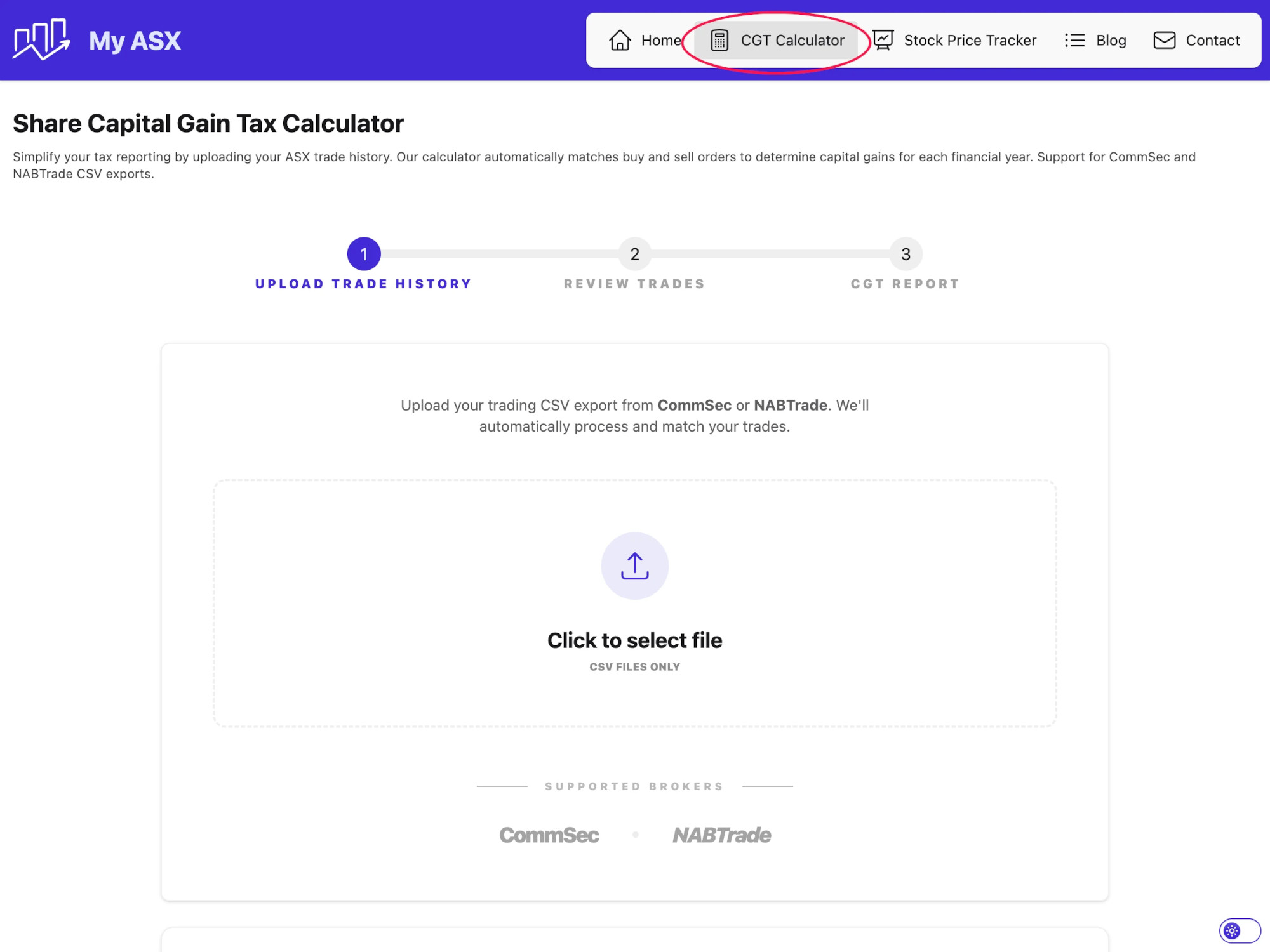
- After downloading your CSV file, navigate to our CGT Calculator and upload your file.
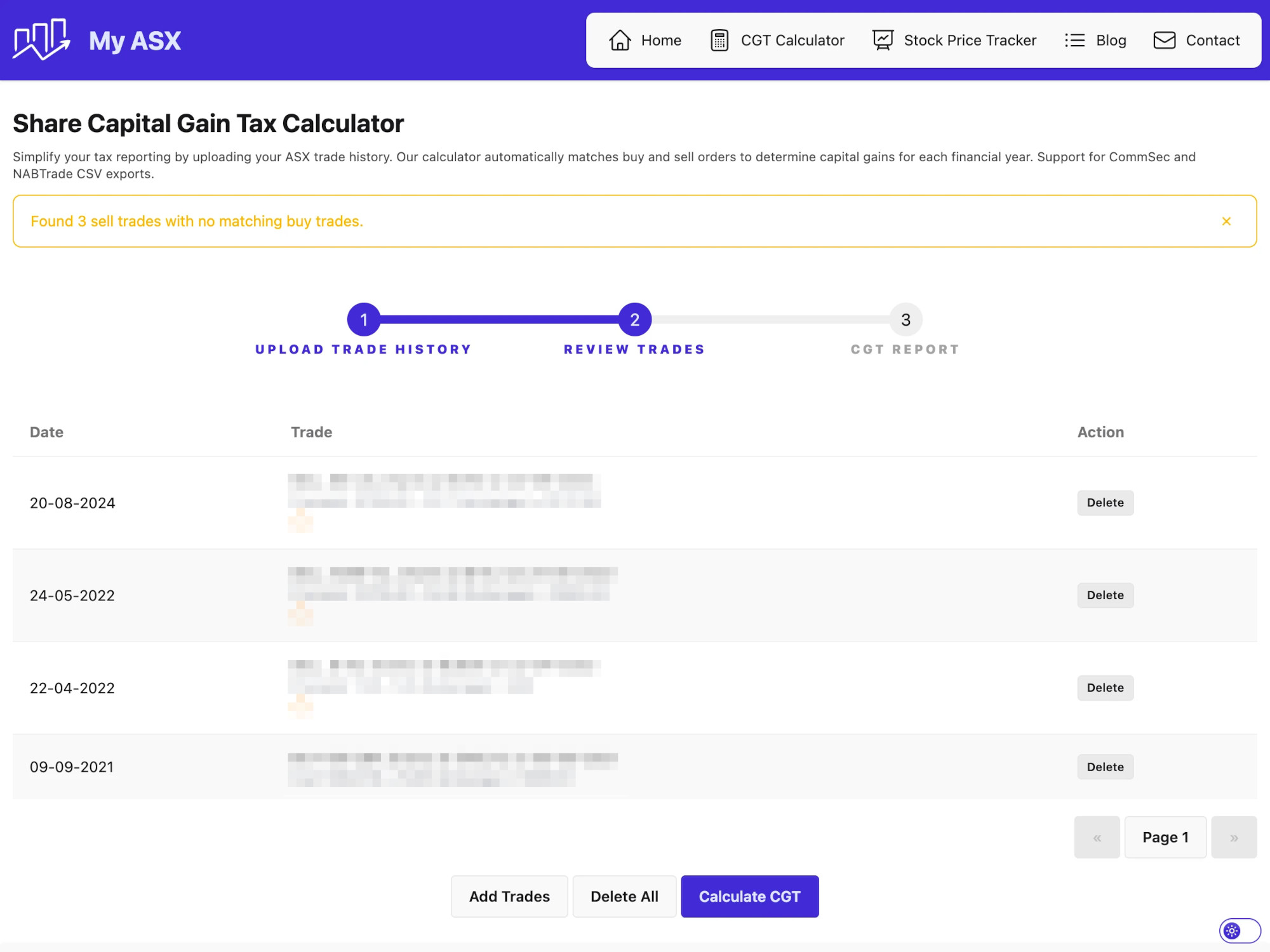
- After the CSV is selected, the system will display all the trades in a table for review. You can then click on the Add Trades button to add more trades to the calculator or delete any trades added by mistake. Once the review is complete, click on the Calculate CGT button to calculate your CGT.
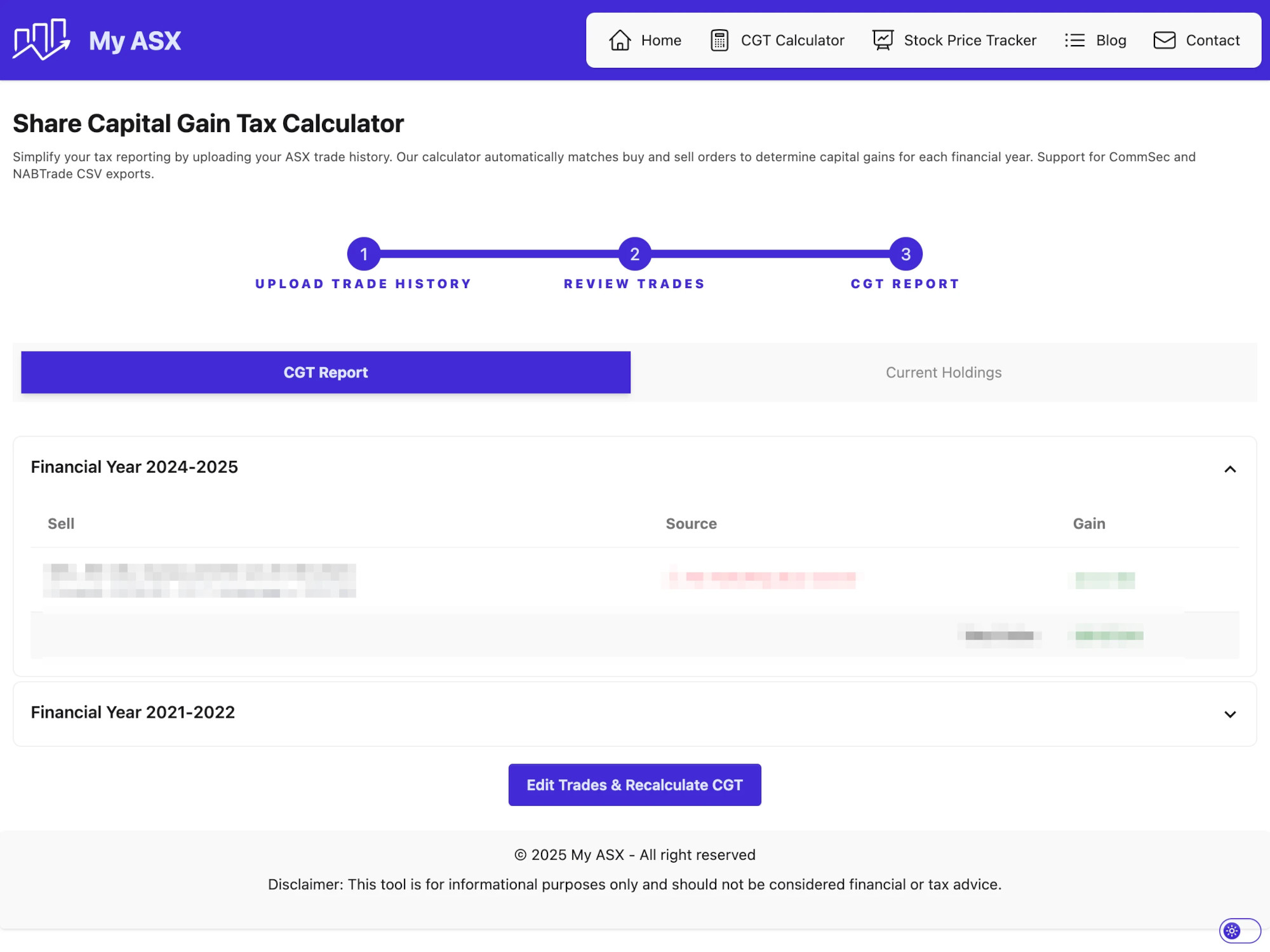
- Our system will automatically:
- Parse your trades.
- Match Sell orders with the appropriate Buy orders using the FIFO (First-In, First-Out) method.
- Calculate the gain or loss for each trade.
- Group the trades by Financial Year.
- Calculate the total gain or loss for each financial year.
- You can also review your current holdings which list all trades older than 12 months (having tax benefits), and trades less than 12 months (not having tax benefits).
- At any time, you can click on the Edit Trades & Recalculate CGT button to edit the trades and regenerate the CGT report.
Summary
Using a tool like MyASX takes the manual work out of tax season, ensuring your reporting is accurate and optimized for discounts.